Tangem is an NFC hardware wallet that uses card backups for cold crypto storage
Tangem is a self-custody hardware wallet built around tap-to-sign NFC cards instead of a required recovery phrase. It stores private keys inside a secure chip, pairs with a mobile app on iOS or Android, and signs Bitcoin, Ethereum, stablecoin, DeFi, NFT, and token transactions only when a card is tapped to the phone. Its most distinctive feature is the seedless backup model: several physical cards share wallet access, so recovery depends on protected cards rather than typing a seed phrase into a screen.
The card is the signing device, and the phone is the screen
The wallet separates two jobs that many beginners accidentally mix together. The mobile app displays balances, builds transactions, shows addresses, and connects to supported services. The card handles the private-key side. When a user sends funds, swaps assets, or changes wallet settings, the app prepares the request and the NFC card signs it after a physical tap.
That split matters because a phone remains exposed to apps, browsers, networks, and cloud backups. The signing key lives in the card chip and does not need a cable, battery, charger, or desktop bridge. Tangem uses the phone's NFC module for power during the short signing moment, which keeps the hardware thin and pocketable while still giving it a real physical approval step.
Seedless backup changes the recovery workflow
Traditional crypto hardware wallets teach users to write down a BIP39 recovery phrase, often 12 or 24 words, then hide that paper or metal backup somewhere safe. This product takes another route by default. During setup, the wallet creates additional backup cards. Each card becomes a physical key to the same wallet, so a lost card does not automatically mean lost funds if another backup card remains protected.
A seed phrase remains available for advanced users who want one, but the default experience avoids exposing recovery words to cameras, printers, screenshots, cloud notes, and phishing forms. That design suits people who trust physical access control more than handwritten phrase management. It also changes the threat model: keeping cards in separate secure places becomes the central recovery habit.
What assets the app brings into one view
The app supports a broad crypto portfolio rather than only a single coin. Users manage Bitcoin, Ethereum, major stablecoins, and many tokens across supported networks from one mobile interface. The same app also presents receiving addresses, outgoing transfers, token swaps, and purchase or sale flows where those services are available through integrated providers.
Network fees still belong to the blockchain being used. Sending BTC pays a Bitcoin miner fee, moving an ERC-20 token pays Ethereum gas, and using a Solana or Polygon asset follows that network's fee logic. Tangem does not turn blockchain settlement into an internal account balance; it gives the user a card-based signing layer for transactions that settle on public networks.
Setting up the wallet without typing recovery words
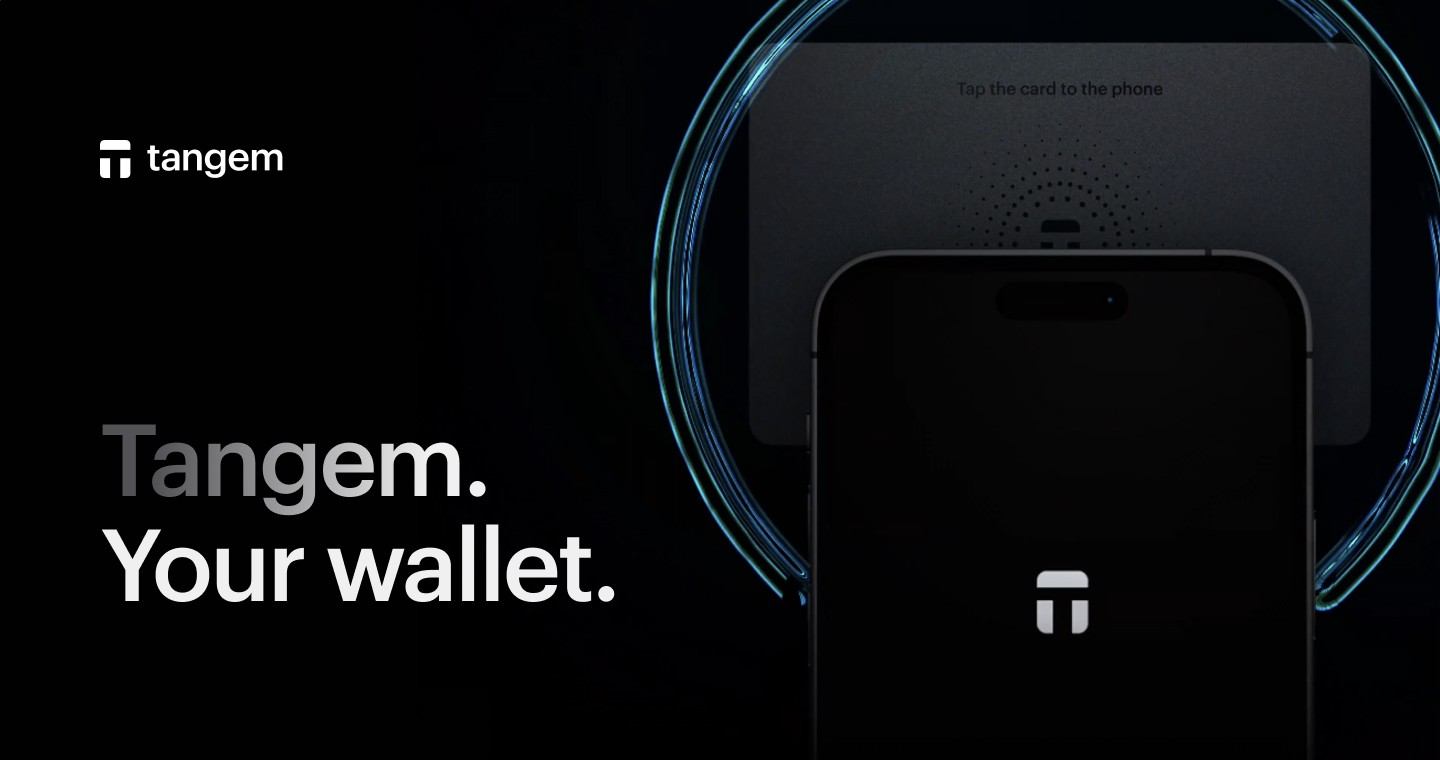
Setup starts by installing the mobile app, tapping the first card, and following the on-screen prompts to create the wallet. The user then adds backup cards from the same pack, sets access code protection, and confirms that each card opens the same wallet before moving serious value. A three-card pack gives a practical pattern: one daily-use card, one home backup, and one backup stored separately.
The first receive test should be small. A user copies the address from the app, sends a modest amount from an exchange or another wallet, waits for network confirmation, and then performs a small outgoing transaction to learn the signing flow. That quick rehearsal proves the card tap, access code, address display, and fee screen before the wallet becomes long-term storage.
Where NFC hardware storage fits best
This card format works well for people who want cold storage without a desktop routine. It fits travel, exchange withdrawals, savings wallets, and mobile-first crypto use. The card slips into a regular wallet, signs quickly, and avoids the friction of charging a device or finding a USB cable. That convenience is also why backup discipline matters: the physical cards deserve the same care as a passport, house key, or vault credential.
It also gives families and small teams a simple way to separate daily access from emergency recovery. One card handles normal transfers, while backup cards stay in controlled places. Tangem is especially suited to users who dislike entering recovery phrases yet still want direct control over addresses and transaction approval.

Security strengths and the risk that deserves attention
The strongest security feature is the removal of routine seed phrase handling. Many crypto losses begin when users type recovery words into fake support pages, cloud documents, or compromised computers. A card-based backup removes that everyday failure point and keeps approval tied to physical possession plus the app's access controls.
The main risk is physical and procedural. If all backup cards are lost, destroyed, or kept together in one place, recovery becomes fragile. Store the backups separately, test each one before funding the wallet heavily, and keep the access code memorable without placing it beside the cards. That single habit does more for long-term safety than changing settings repeatedly.
Buying, swapping, earning, and spending through the app
The app is more than a balance viewer. It includes routes for buying crypto, selling assets, swapping tokens, and using supported earn or spend features. These functions rely on networks and service partners behind the interface, so the user still reviews asset, chain, destination address, exchange rate, and fee before tapping the card to approve.
Useful checks before signing include:
- Confirm the receiving address and network match the asset.
- Review the token ticker and contract when handling newer assets.
- Keep enough native gas token for the chain being used.
- Test a new address with a small transfer before sending a large amount.
- Keep backup cards in separate locations after setup.
Ledger, Trezor, and card-based storage choices
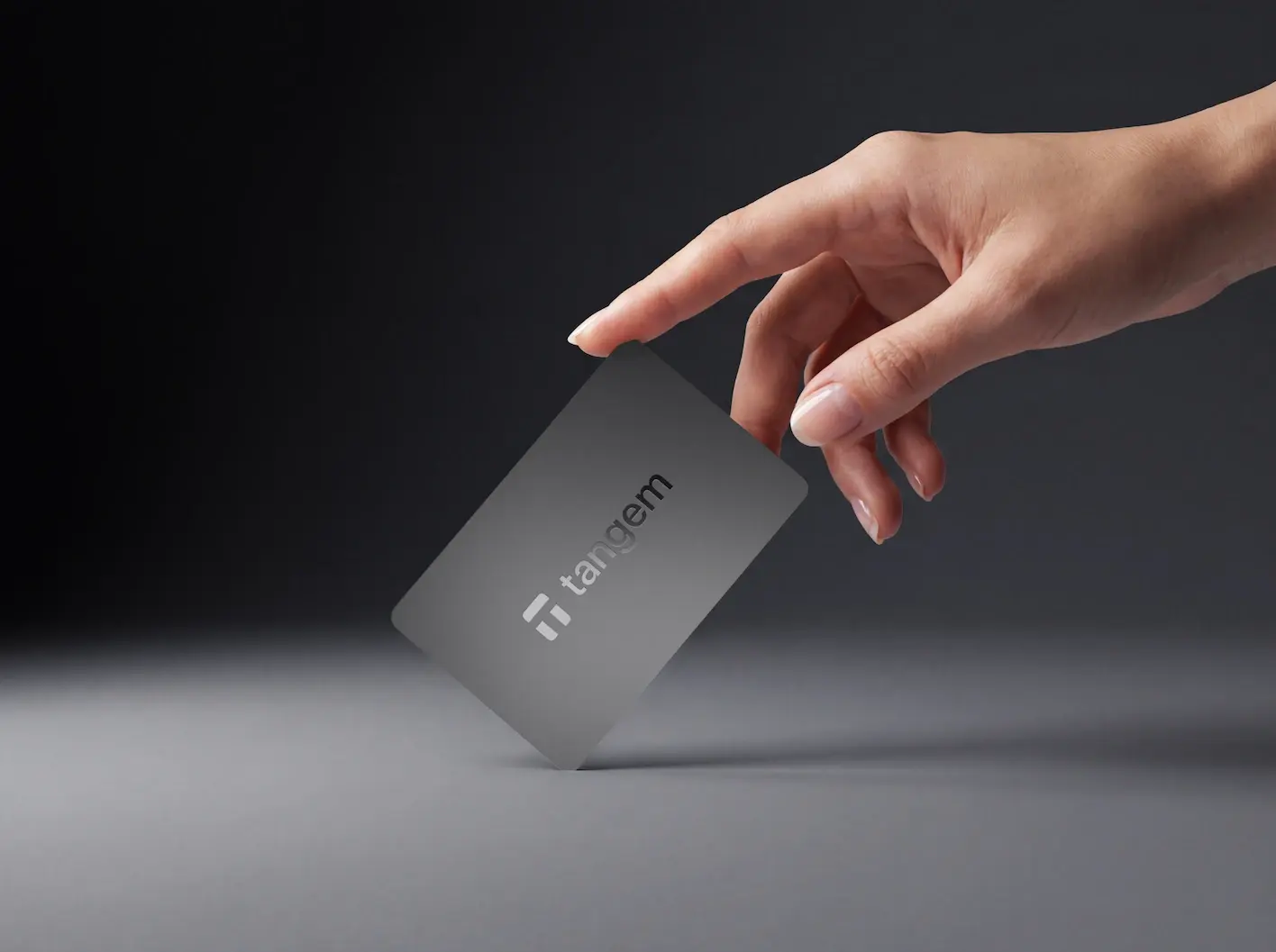
Ledger Nano devices use a screen-and-button hardware format with USB or Bluetooth models, strong third-party wallet integrations, and broad ecosystem support. Trezor Model T and Safe 5 appeal to users who prefer open-source firmware traditions and on-device confirmation screens. Tangem takes a different ergonomic route: the phone provides the display, and the NFC card provides the secure signing key.
The right choice depends on the workflow a person will follow consistently. Desktop traders and users who rely on many browser wallet integrations lean toward screen-based devices. Mobile-first holders, people who want simple backup cards, and users who dislike recovery phrase handling often prefer the card model. All of these options still require the same core discipline: review what is being signed and protect the recovery path.
Who gets the most value from this design
The product is strongest for long-term holders who want a compact cold wallet with fast mobile access. It works for someone withdrawing Bitcoin from an exchange, holding Ethereum and stablecoins, receiving tokens across several chains, or maintaining a savings wallet that only signs occasional transactions. The setup feels closer to activating a contactless card than configuring a developer tool.
Tangem also makes sense for users replacing a software-only wallet after they start holding meaningful value. A hot wallet is convenient for tiny balances and frequent experimentation, but a hardware signing layer raises the cost of theft. By keeping the private key inside a dedicated card and requiring a tap for approvals, this wallet turns self-custody into a routine that a non-technical user can repeat without memorizing crypto jargon.
Tangem FAQ
- What does a Tangem wallet cost after the card purchase?
- The main fixed cost is the card pack itself. After that, normal blockchain fees apply whenever you send assets, swap tokens, or interact with networks. Bitcoin transfers pay Bitcoin network fees, Ethereum token transfers pay Ethereum gas, and other chains use their own native fee asset. Integrated buy, sell, and swap services also show provider fees or spreads before approval.
- Does Tangem work with iPhone and Android phones?
- Yes, the wallet is designed for NFC-capable iOS and Android phones through its mobile app. The phone supplies the screen, internet connection, and NFC power for the card tap. A device without NFC is the wrong match because the card needs that short-range connection to sign transactions and manage wallet settings.
- Can I use Tangem without creating a seed phrase?
- Yes. The standard setup uses backup cards instead of requiring a written recovery phrase. During activation, extra cards are linked to the same wallet so any valid backup card restores access through the app. Users who prefer a traditional recovery phrase have that option, but the product's main appeal is avoiding routine seed phrase exposure.
- What happens if one Tangem card is lost?
- A lost card does not end access if another backup card from the same wallet remains available. Open the app with a remaining card, move funds to a fresh wallet if the lost card might be found by someone else, and create a new storage setup. The serious problem begins only when every backup card is gone or unusable.
- Which coins are commonly stored on this wallet?
- Users commonly store Bitcoin, Ethereum, stablecoins, and tokens from major supported networks. The app is built for multi-asset storage, so it handles more than a single-chain portfolio. Before sending a specific asset, check that the app supports both the token and the intended network, since sending on the wrong chain creates recovery problems.
- Is a card wallet better than a USB hardware wallet?
- A card wallet is better for people who want fast mobile signing, no charging, and backup cards instead of mandatory recovery-word handling. A USB or Bluetooth device from brands such as Ledger or Trezor is better for users who want device screens, desktop workflows, and broad browser-wallet integrations. The stronger choice is the one whose recovery process you will maintain correctly.